
Thank you for joining the pharmaceutical online family, "CPhI Pharmasources.com Member Operation Guide" may guide you to quickly familiarize yourself with the various functions of the website's member center, create boutique digital showroom and win more business opportunities! We have always insisted on innovation, providing enterprises with "pharmaceutical + Internet" marketing solutions and customized services, including digital showrooms, brand marketing, event planning, conference services, search engine marketing, etc. to encourage transformation and upgrading.
Brief Introduction of CPhI PharmaSources.com
CPhI PharmaSources.com was revised and upgraded from En-cphi.cn in 2020! The URL of the PharmaSources.com is: https://www.pharmasources.com/ Users can use the username and password of the previous website https://www.en-cphi.cn/ to log in to Pharmasources.com. The digital showroom on the PharmaSources.com and the product information is synchronized with the previous En-cphi.cn website.
Digital Showroom Guide
Follow below guide to improve your digital showroom's products, company profile, company logo, qualification certificates, information and innovation achievements, etc., and realize the simultaneous display of "mobile" and "computer".
A. Log in to the Member Center
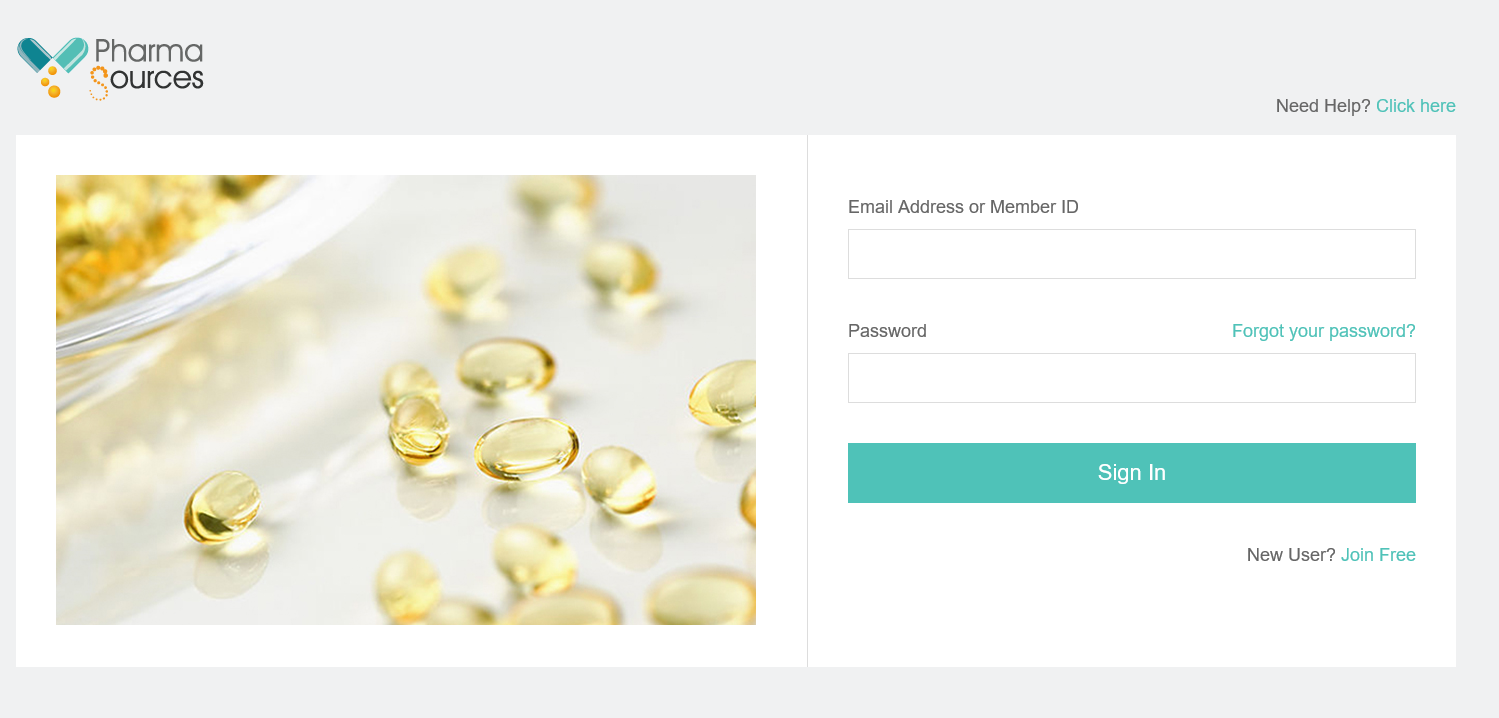
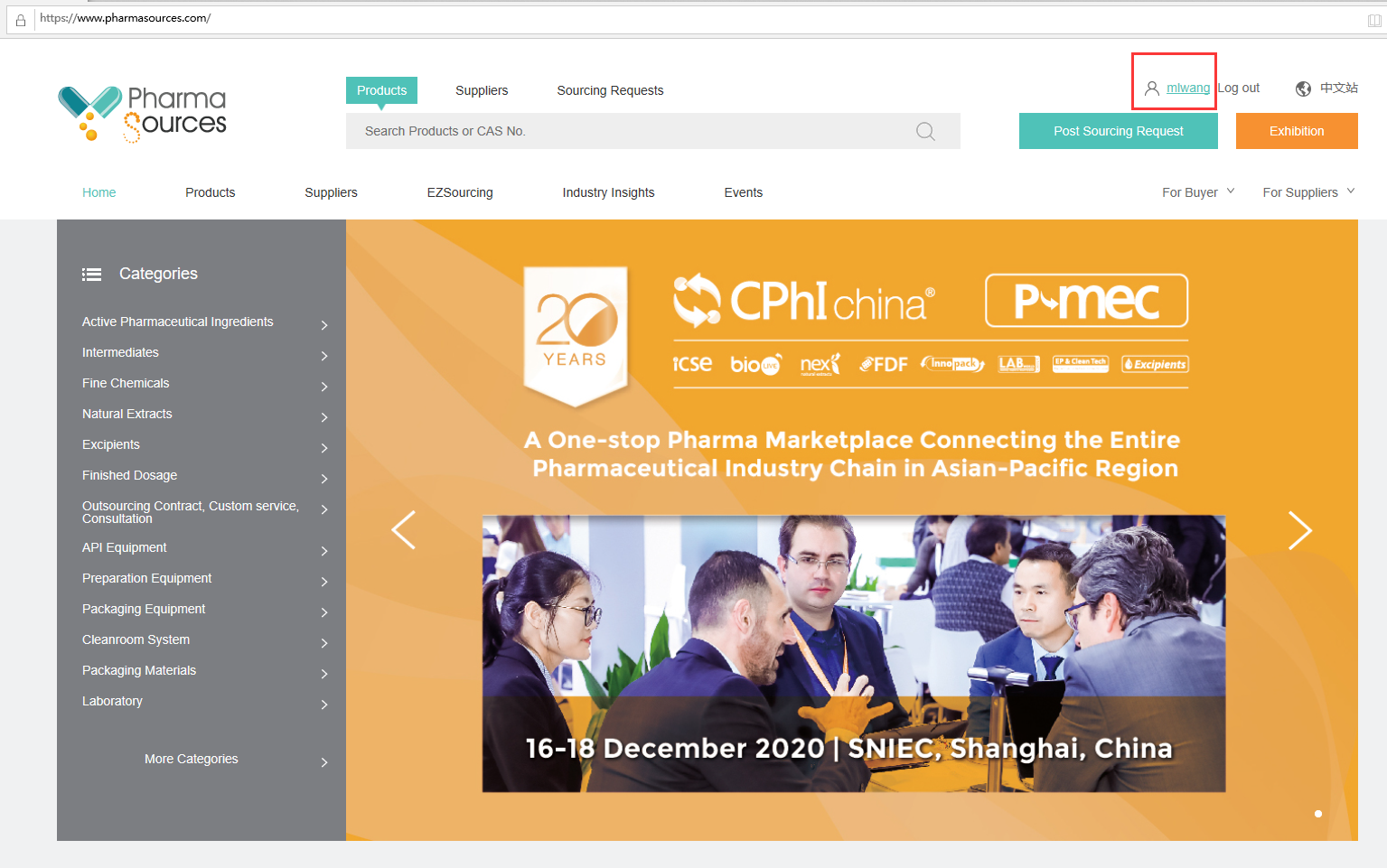
Enter the URL: https://www.pharmasources.com/login, enter Email Address or Member ID and Password to log in, click your name on the top right corner to enter the backstage of your digital showroom.
B. Perfect digital showroom pages and information
1. Digital showroom page design
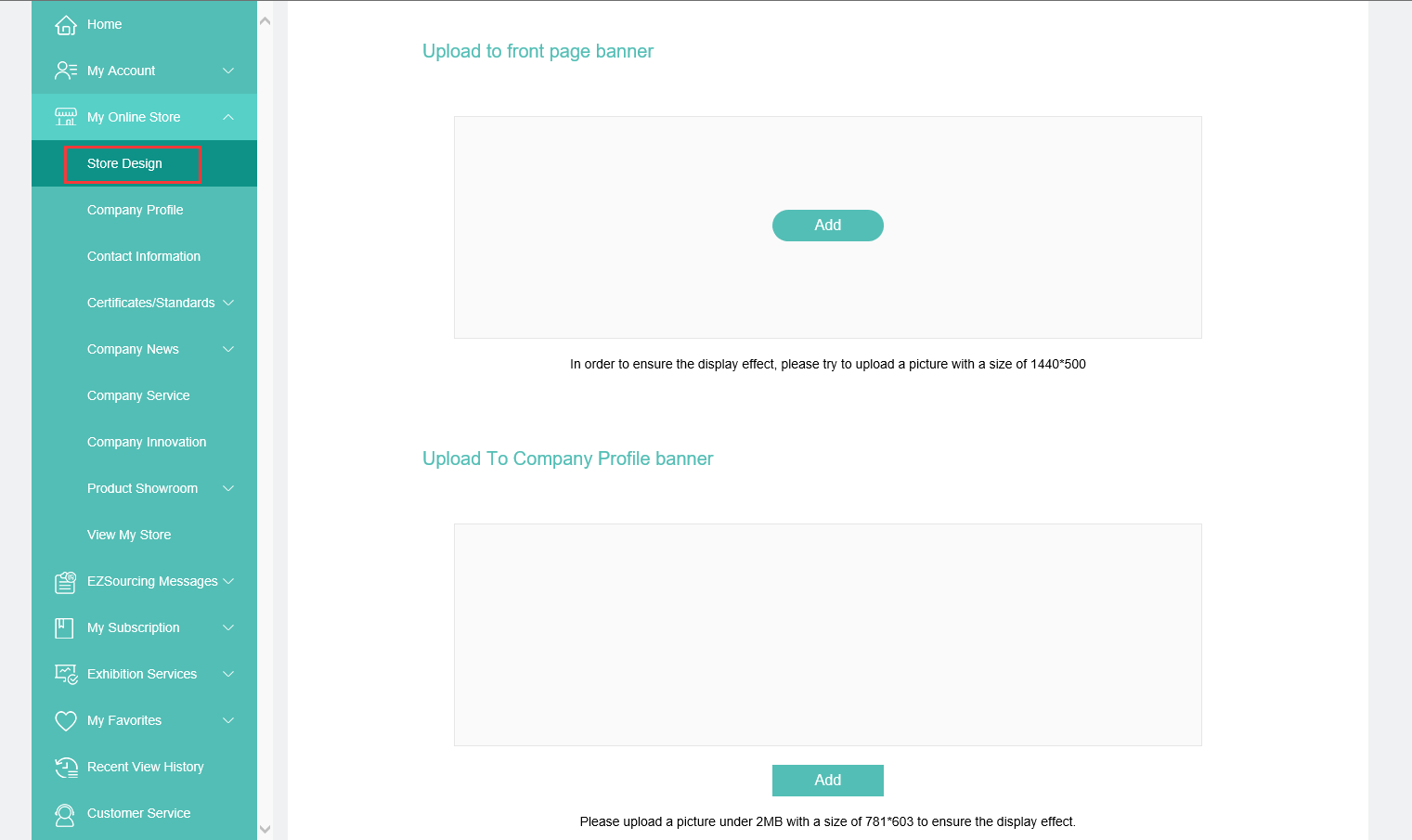
Click the [Store Design] on the left navigation bar: upload pictures that meet the requirements of the picture size and pixel, click [Submit] at the bottom.
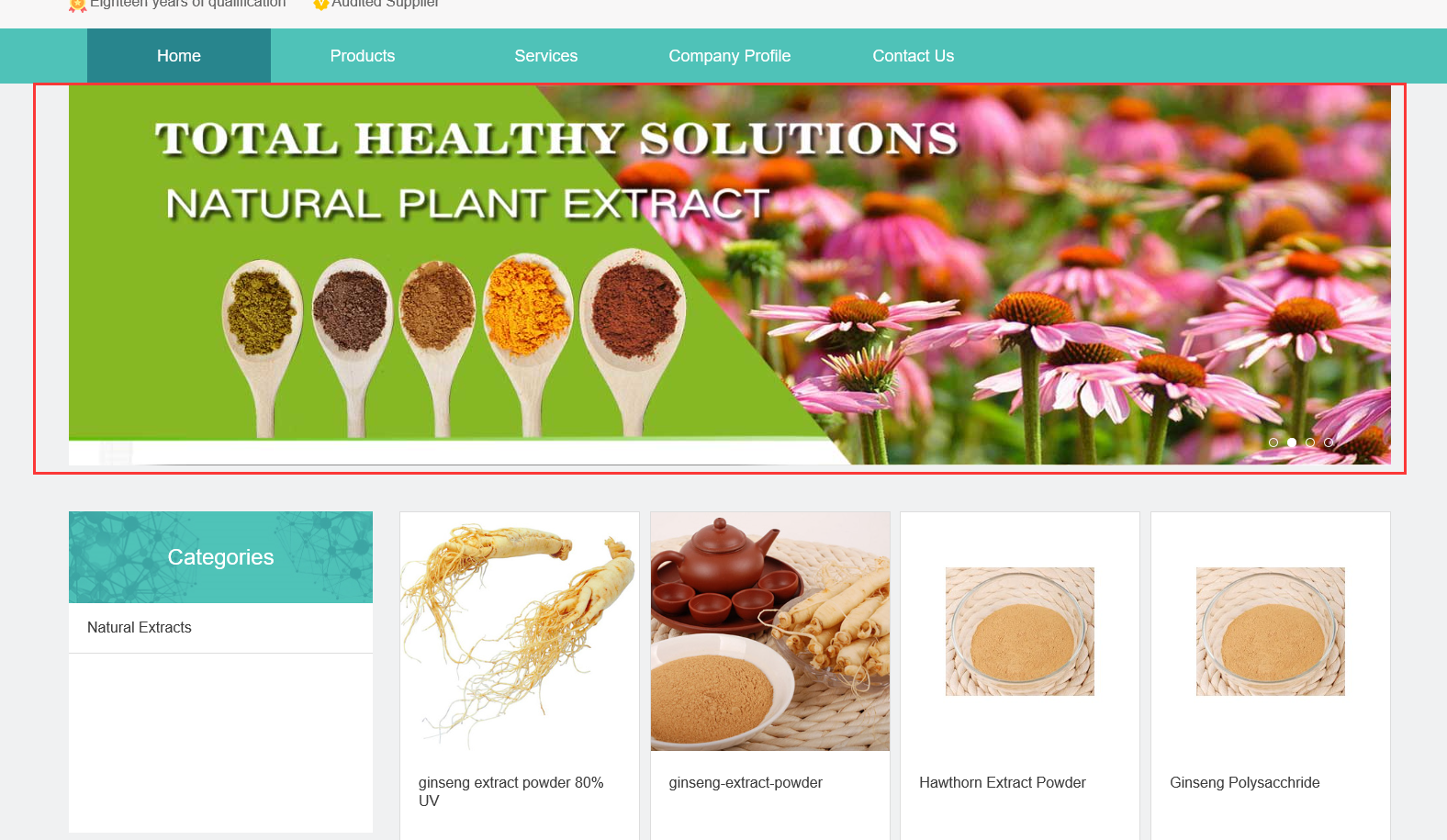
*The final effect presented is as follows:
Front Page Banner:
Company Profile Banner:
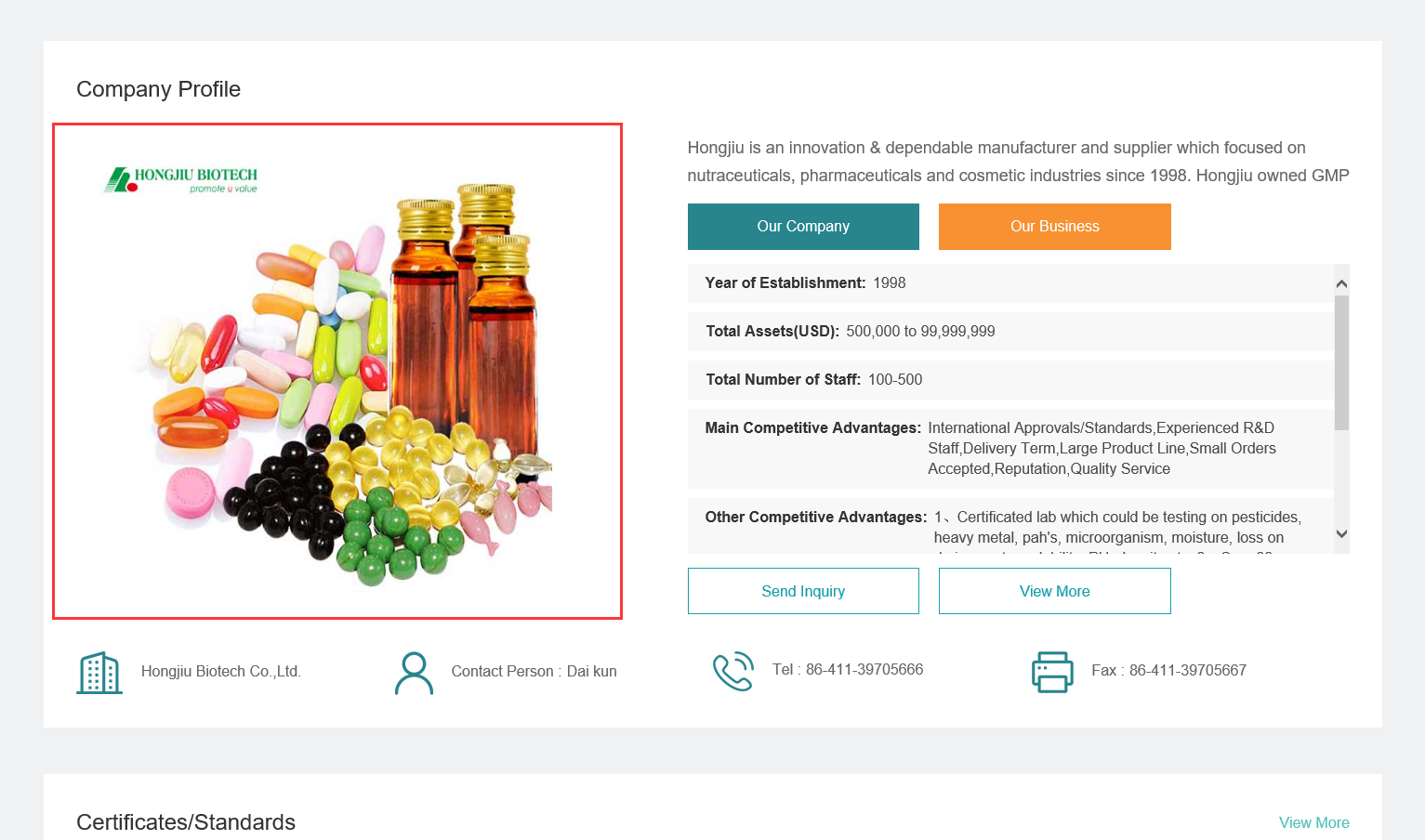
2. Confirm company profile and contact information
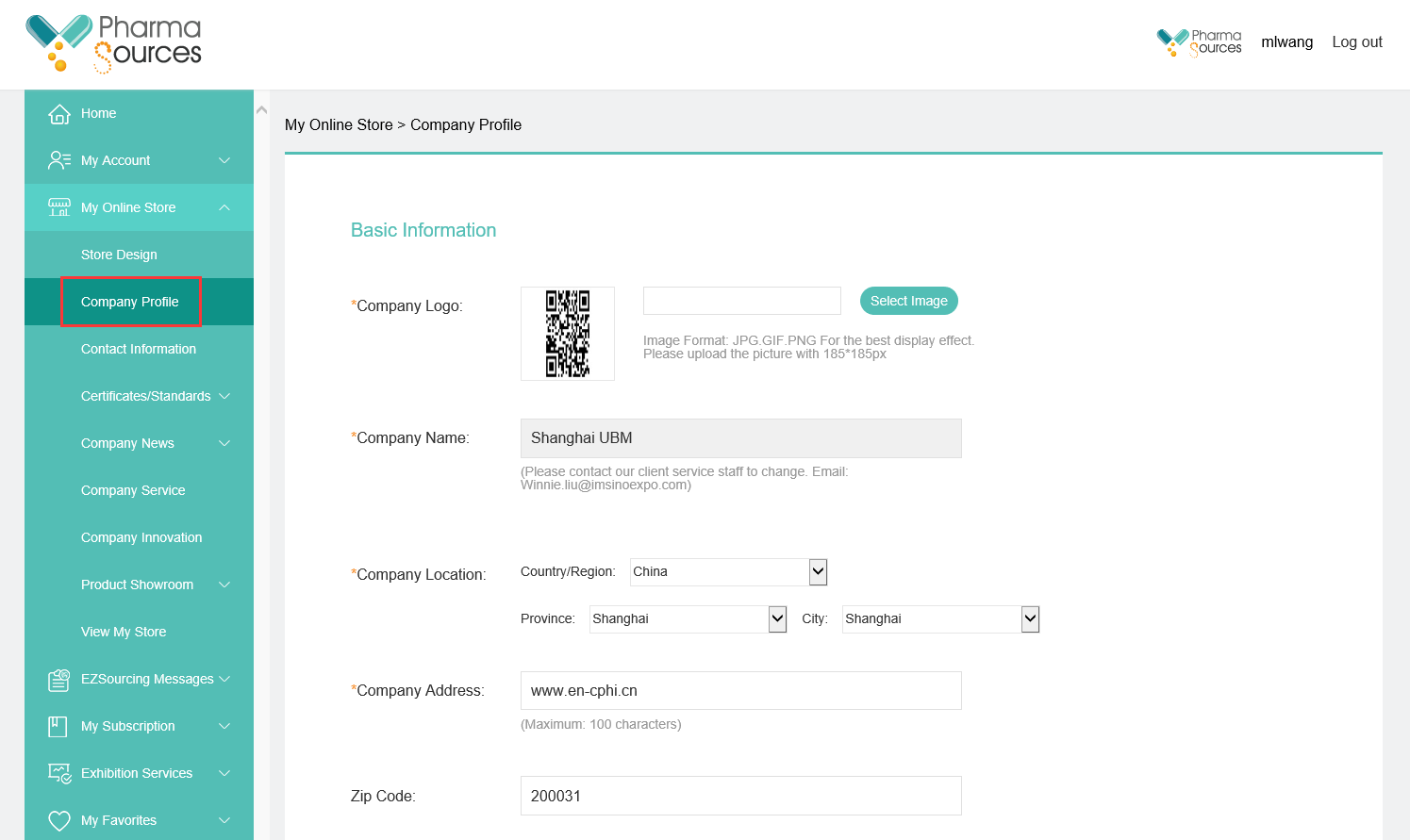
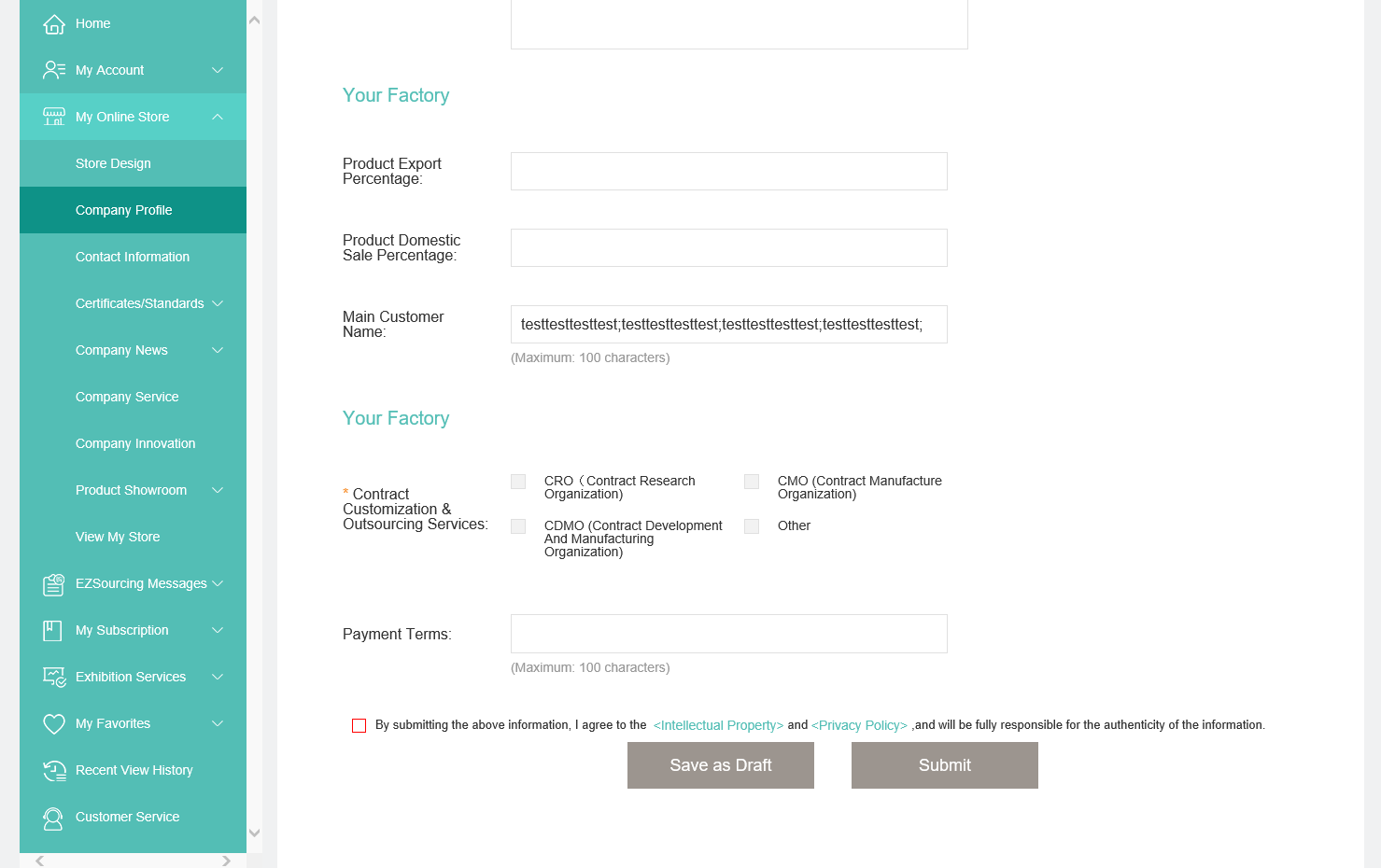
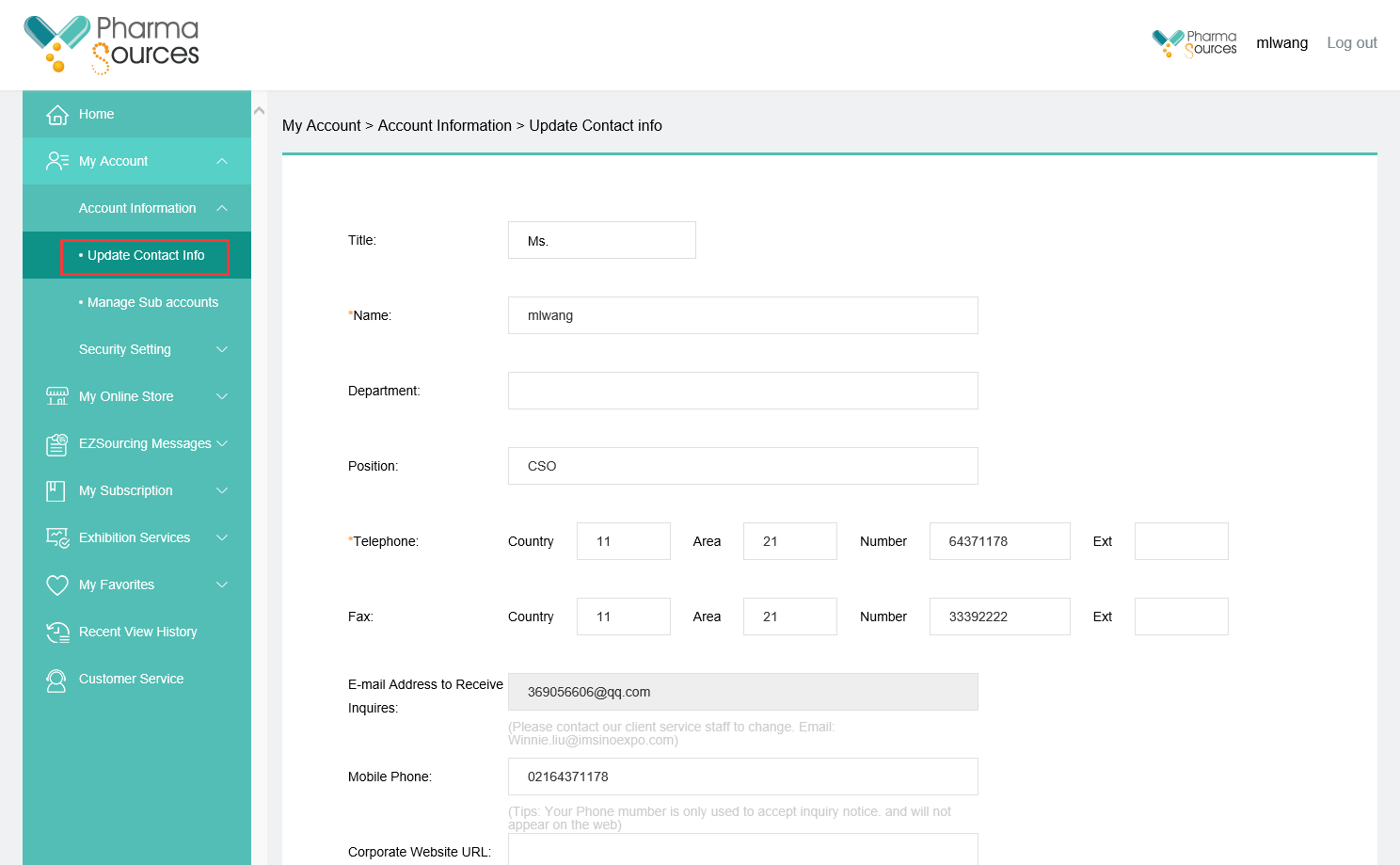
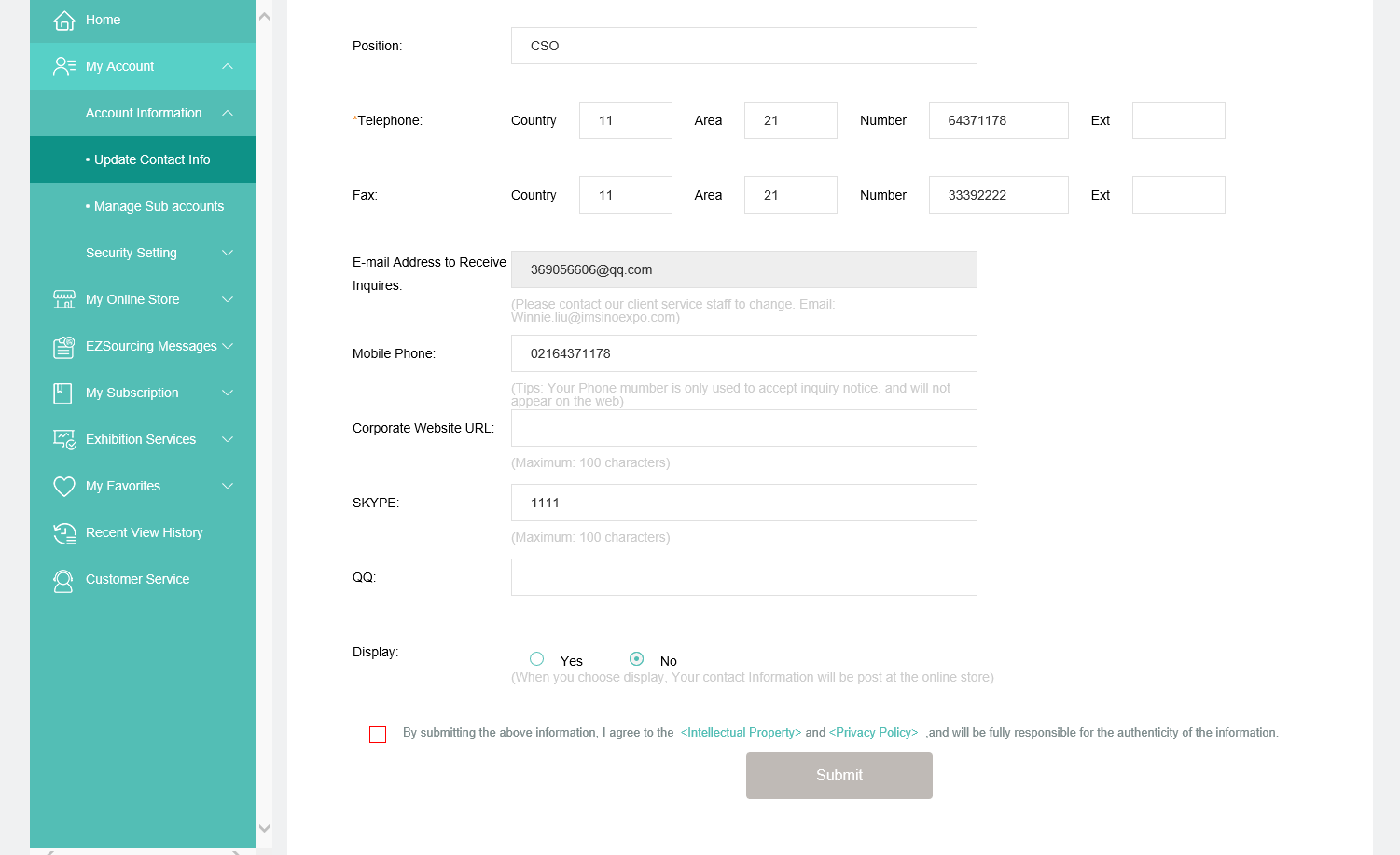
Fill in or upload the information such as company profile, logo and contact information, click [Submit] at the bottom
【Company Profile】under 【My Online Store】
【Update Contact Info】under 【My Account】






















 (All Rights Reserved)